
Best Productivity Apps for Freelancers
Editor’s note: This is a guest post from Aleksandar Olic. In freelancing, every hour counts. The more time you can save, the more of it you can spend on billable activities. To help you get the most out of your work day, here are the top productivity apps that will help you spend less time…


Editor’s note: This is a guest post from Aleksandar Olic.
In freelancing, every hour counts. The more time you can save, the more of it you can spend on billable activities.
To help you get the most out of your work day, here are the top productivity apps that will help you spend less time on client management and finances, and more time on actually doing stuff.
Hubstaff
Hubstaff is a time tracking tool that helps you understand how you use your time and get more done. It lets you accurately track your hours on different tasks and projects with an intuitive interface. With Hubstaff, you’ll be able to see the different apps and websites you spent time on, export customizable reports, and invoice clients based on your total billable hours tracked.
Clockify
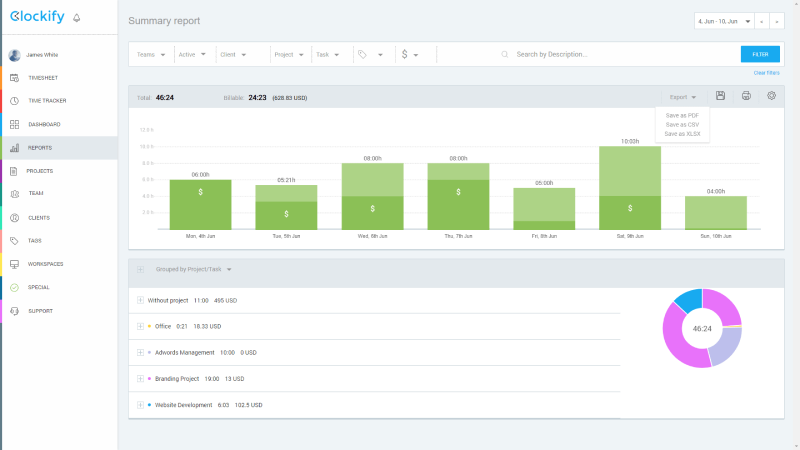
Clockify helps you track how much time you spend working on projects and clients, so you can bill them accurately later. It also calculates your earnings automatically, based on your hourly rates. Unlike other time trackers, Clockify is completely free.
Bonsai
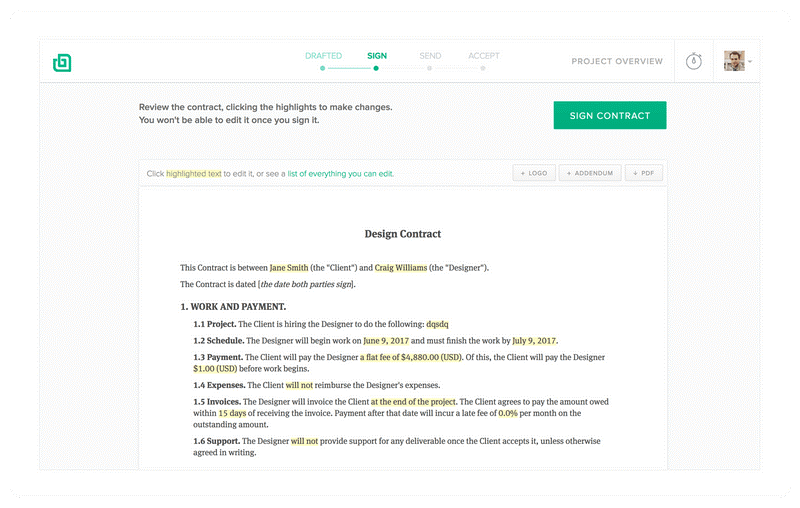
Bonsai helps you generate project proposals and legally binding contracts during client exploration phase. Once you land a client, Bonsai can help you keep track of expenses and generate invoices (plus, send clients past due reminders).
Noisli
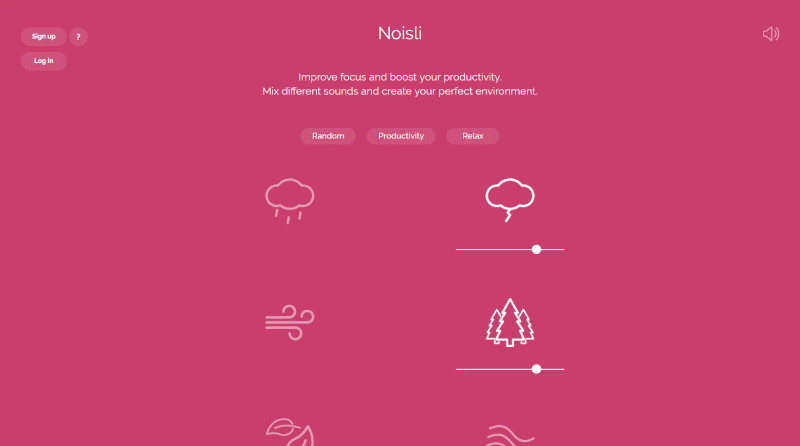
Noisli plays background noises (such as rain, thunder, waves), helping you focus while you work. The best part is that you can mix and match sounds as you want – making you feel like you’re working in a serene forest during a thunderstorm or a cozy café next to the fireplace.
Cushion
Cushion helps you visual schedule your freelancing time. It gives you a bird’s-eye view of your time, and helps you coordinate hourly commitments to clients and know exactly when you’re available so you don’t overbook yourself.

Wave
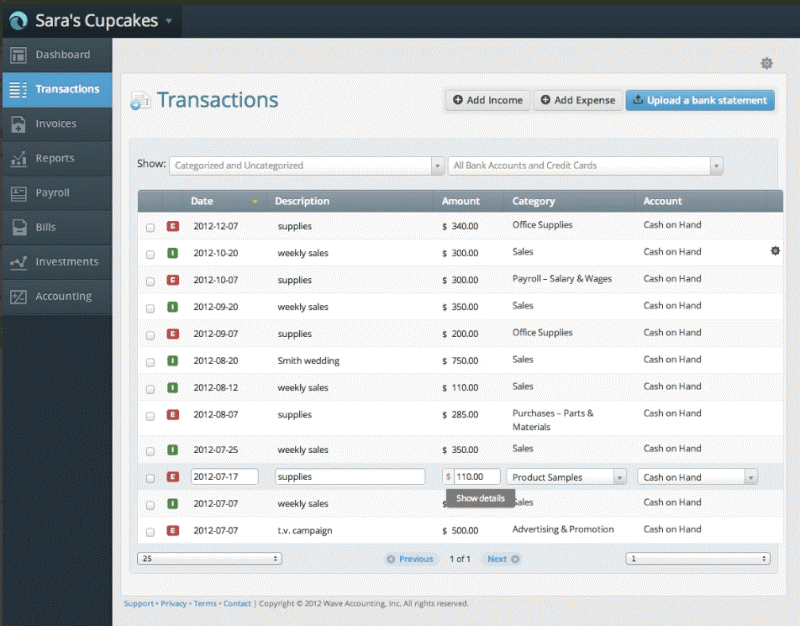
Wave helps you generate and send invoices to clients, track income and deductible expenses (by scanning receipts), and get paid online. It can also help you with accounting and recurring billing.
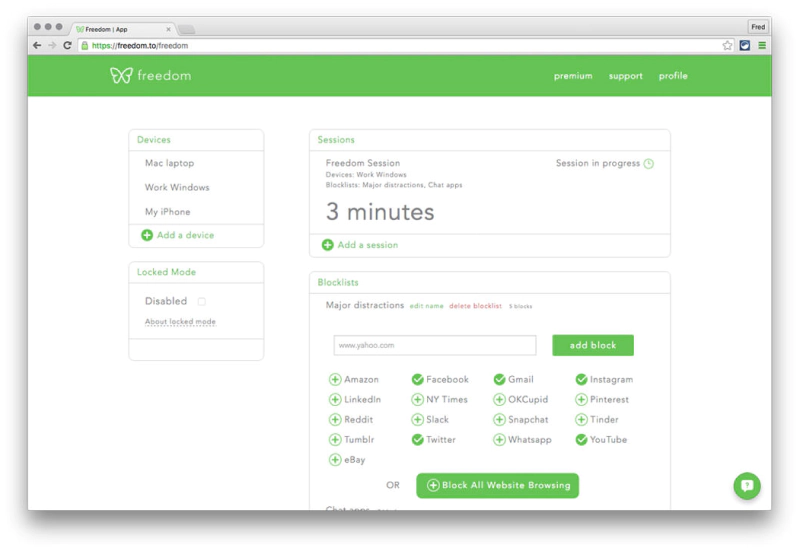
Freedom
Freedom helps you focus on your work by blocking distracting apps and websites. You install it on your devices and set your schedule. Then, Freedom blocks all unproductive apps and websites – leaving you with no other option but to work.
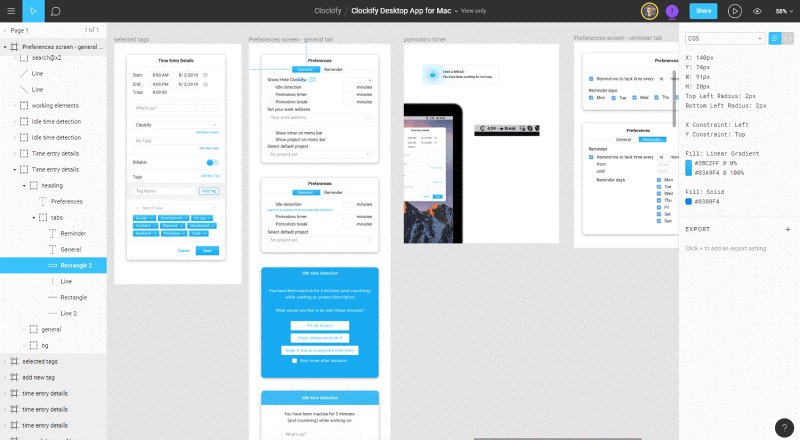
Figma
Figma is an online design and prototyping tool. But what makes it useful to non-designer freelancers is the collaboration aspect: you can draw, put up mockups, and write – and then send the link to your client for review. Clients can see what you’re working in real time, leave comments, and even work alongside you. Think of it as a cross between Paint and Google Docs, only better.
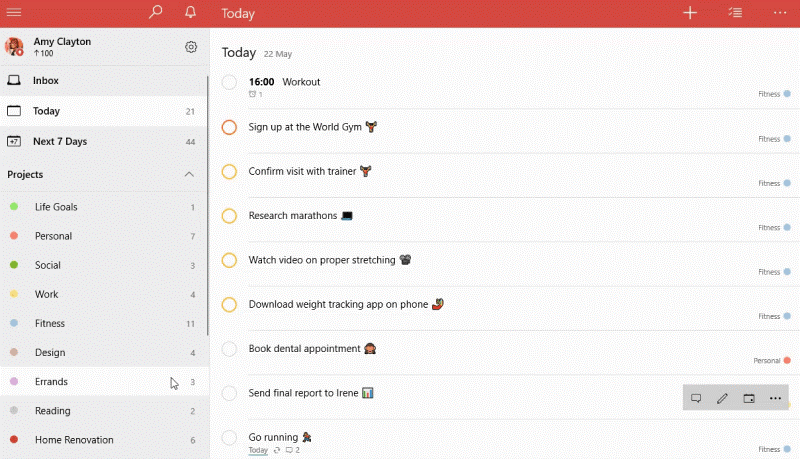
Todoist
Todoist is the most popular and simple to-do app. It works on all devices and comes with loads of integrations (like Google Calendar,). You can use it to organize and prioritize your tasks, track productivity, and keep track of your deadlines.
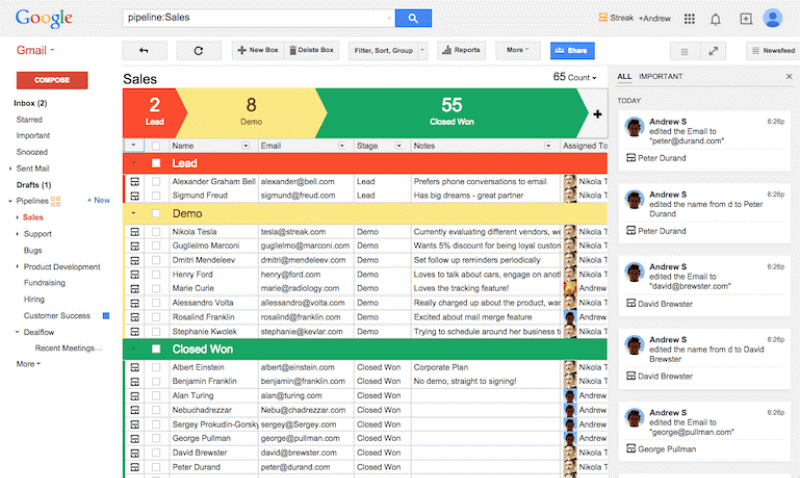
Streak for Gmail
Streak is a simple CRM tool that works right inside Gmail. It can help you track at what stage your each client relationship is in (new inquiry, scheduled consultation, pending, won, etc.). Plus, Streak can show you whether someone opened your email or not.
Boomerang for Gmail
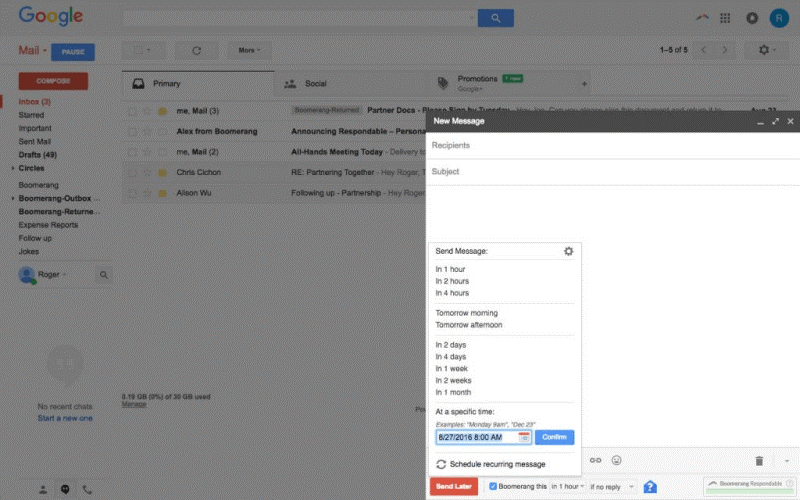
Boomerang helps you send an email at scheduled times and automate follow-ups. This is very useful in case you want to automate reminders and check in with clients who haven’t responded to your email.
Zapier & IFTTT
https://zapier.com/ & https://ifttt.com/
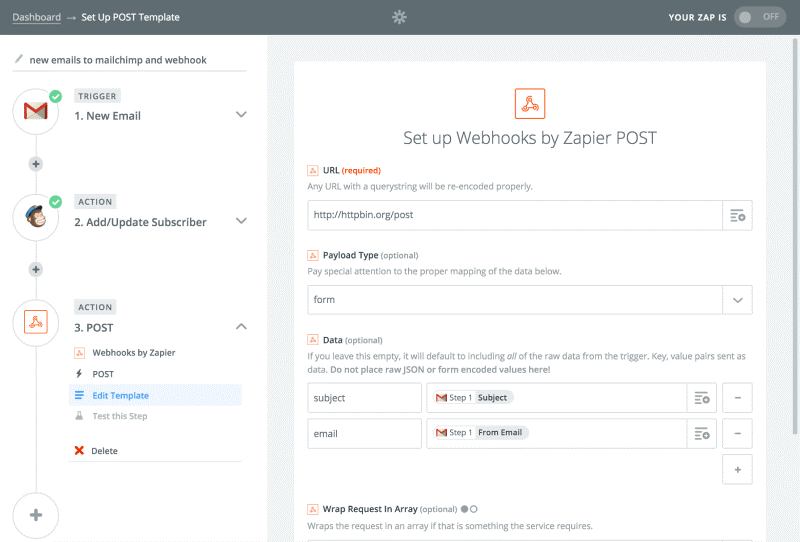
Zapier and If This Then That are automation apps that connect other apps and makes them do stuff. For example, with them, you can get instant alerts when there’s a new Upwork job, or create a new client in the time tracker/task manager when you land a new client. Zapier is better integrated with business apps while IFTTT works better for personal use.
RescueTime
RescueTime is an automatic time tracker that tracks what sites you visit and apps you use, and then calculates your daily and weekly productivity automatically. Although it’s not very useful for tracking work hours, it can help you gauge how productive you are and motivate you to become better.

Mint
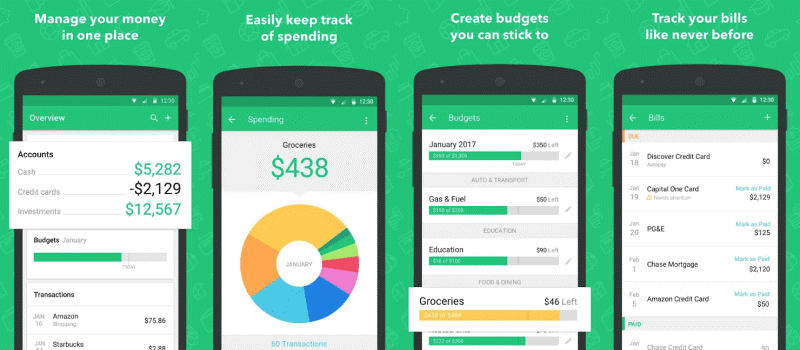
Mint helps you keep track of your personal finances, see all your bills and money in one place, get alerts about upcoming bills, and analyze your financial situation over time. It can also help you save money: you put in your financial goal, track expenses, and then monitor your available budget.
Grammarly
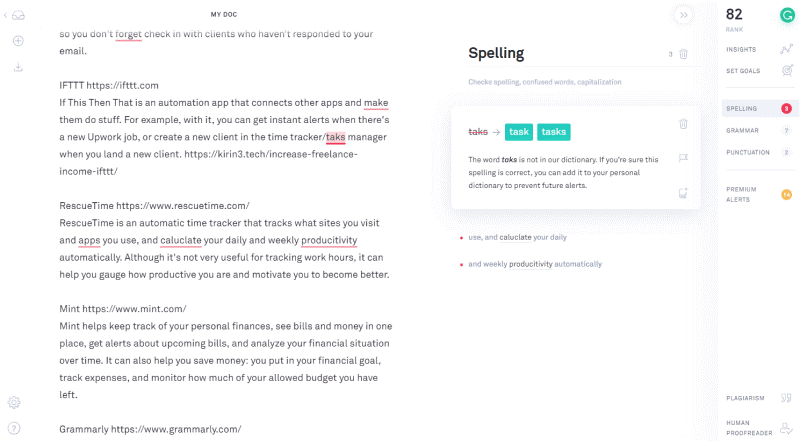
Grammarly makes sure you look good when replying to client emails. How? By catching spelling and grammar mistakes as you type, and suggesting corrections.
Conclusion
All these apps will help you improve your freelancing game. From time trackers like Clockify and RescueTime to communication boosters like Streak and Boomerang, you’ll spend less time on client and finance management, and more on actually getting things done.
[cta-button text=”Freelancers, get global payments easily from marketplaces and clients with Payoneer»” url=”http://register.payoneer.com/get-paid-by-clients-worldwide” color=”#FF4800″ type=”sign-up”]

Aleksandar Olic is a product marketer who writes about software, business, and productivity. He has a keen interest in design and product management, and enjoys helping others grow professionally and improve their efficiency.
Related resources

Leave policy in Colombia
Learn about Colombia’s leave policy, including public holidays, maternity leave, sick leave, and PTO. See how Payoneer Workforce Management helps.


Employment laws in China
Learn about the employment laws in China, including working hours, probation, overtime, termination, and employee rights in China.

Your guide to payroll in Romania
Understand payroll processing in Romania, including salary tax, social security contributions, payroll cycle, and employer obligations.
Planning to hire employees in Romania? Here’s a quick guide
Learn how to hire in Romania. Explore working hours, payroll, leave policies, taxes, and compliance requirements for the hiring process in Romania.
Employment laws in Colombia
A clear guide to employment laws in Colombia. Covers employment contracts, working hours, employee rights, termination rules, and severance pay under the Colombian Labor Code.

Employment laws in Portugal
Explore the various employment laws in Portugal, including employment contracts, termination, probation, working hours, and employee rights in Portugal.

Using an Employer of Record in Ghana
Learn how to onboard, manage, and pay employees in Ghana with an Employer of Record. This blog covers Ghana payroll, labor laws, minimum wage, contracts, and how Payoneer Workforce Management…

Using an Employer of Record in Puerto Rico
Learn how an Employer of Record in Puerto Rico helps simplify hiring, payroll, support local compliance, and workforce management, without setting up a local entity.

Looking for an employer of record in Moldova? Here’s what you need to know
Explore how Payoneer Workforce Management helps manage onboarding, payroll, benefits and more in the Republic of Moldova, while simplifying talent engagement in the country.
Latest articles
-

Leave policy in Colombia
Learn about Colombia’s leave policy, including public holidays, maternity leave, sick leave, and PTO. See how Payoneer Workforce Management helps.
-
Employment laws in China
Learn about the employment laws in China, including working hours, probation, overtime, termination, and employee rights in China.
-
How Game Studios Scale Globally by Navigating Cross-Border Payment Friction
Learn how a game studio can scale globally using cross-border payments, better FX for business, and faster payouts to international teams.
-
Your guide to payroll in Romania
Understand payroll processing in Romania, including salary tax, social security contributions, payroll cycle, and employer obligations.
-
Planning to hire employees in Romania? Here’s a quick guide
Learn how to hire in Romania. Explore working hours, payroll, leave policies, taxes, and compliance requirements for the hiring process in Romania.
-
Employment laws in Colombia
A clear guide to employment laws in Colombia. Covers employment contracts, working hours, employee rights, termination rules, and severance pay under the Colombian Labor Code.




Disclaimer
The information in this article/on this page is intended for marketing and informational purposes only and does not constitute legal, financial, tax, or professional advice in any context. Payoneer and Payoneer Workforce Management are not liable for the accuracy, completeness or reliability of the information provided herein. Any opinions expressed are those of the individual author and may not reflect the views of Payoneer or Payoneer Workforce Management. All representations and warranties regarding the information presented are disclaimed. The information in this article/on this page reflects the details available at the time of publication. For the most up-to-date information, please consult a Payoneer and/or Payoneer Workforce Management representative or account executive.
Availability of cards and other products is subject to customer’s eligibility. Not all products are available in all jurisdictions in the same manner. Nothing herein should be understood as solicitation outside the jurisdiction where Payoneer Inc. or its affiliates is licensed to engage in payment services, unless permitted by applicable laws. Depending on or your eligibility, you may be offered the Corporate Purchasing Mastercard, issued by First Century Bank, N.A., under a license by Mastercard® and provided to you by Payoneer Inc., or the Payoneer Business Premium Debit Mastercard®, issued and provided from Ireland by Payoneer Europe Limited under a license by Mastercard®.
Skuad Pte Limited (a Payoneer group company) and its affiliates & subsidiaries provide EoR, AoR, and contractor management services.
